OCRsearchable PDFscanning
Make scanned PDFs searchable with OCR
Learn how to scan clearly, run OCR in Boreal PDF, verify searchable text, and export a readable PDF from forms, receipts, certificates, or invoices.
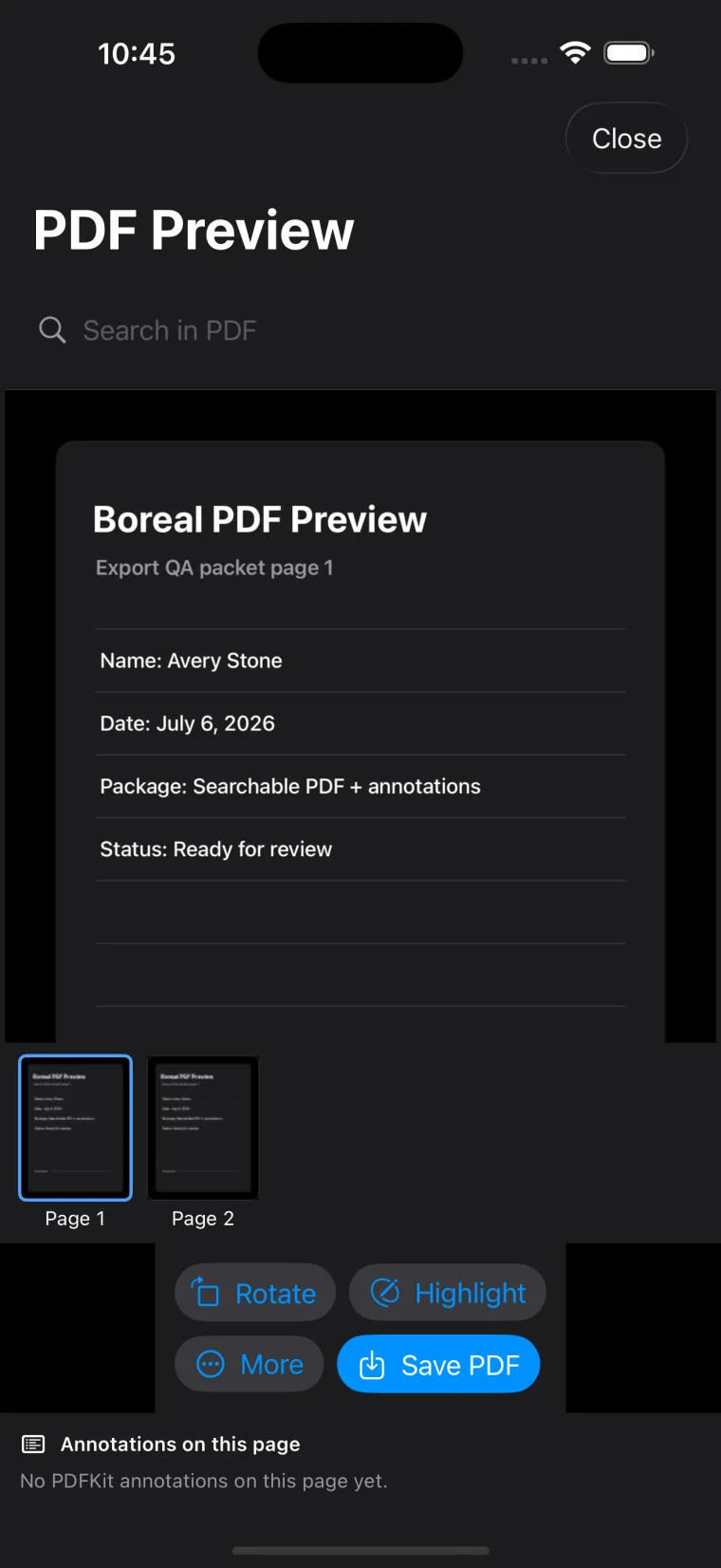
OCR makes printed text in a scan searchable and copyable, but it does not replace visual review. Use a clean, straight scan, then search for key words and copy a short passage before sending the PDF.
Documents that usually work well
- Printed forms
- Receipts and invoices
- Certificates
- Documents with strong contrast and little skew
Documents that can be harder
Handwriting, shadows, glare, folded paper, low resolution, and tilted photos can reduce OCR accuracy. A better scan usually produces a better searchable PDF.
Verify before sending
Search for a few key words and copy a short section of text before submitting the final PDF. The visual PDF and the OCR layer should both be good enough for your purpose.