PDF compressionupload limitsexport
Compress PDFs for upload limits on iPhone
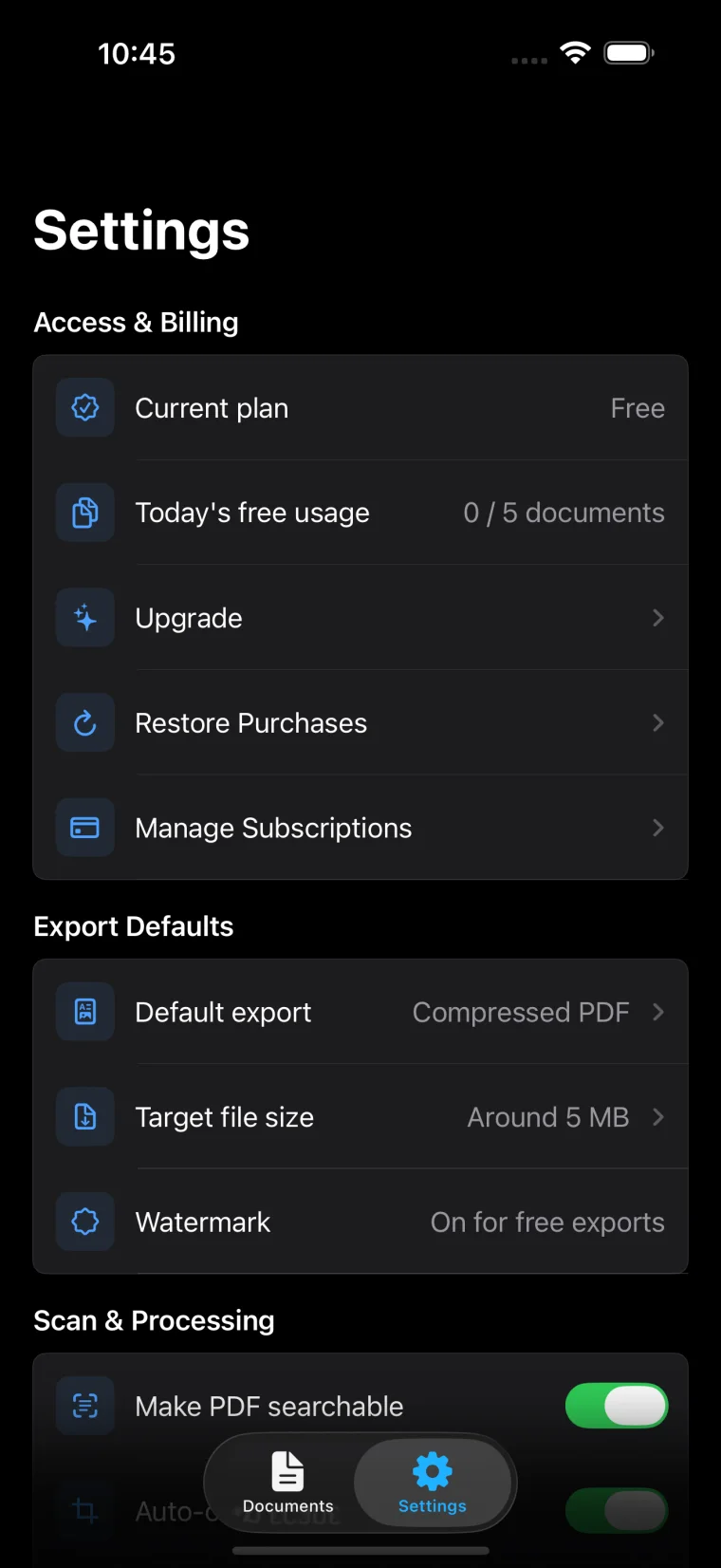
Use Boreal PDF on iPhone to target 1MB, 3MB, 5MB, or 10MB upload limits, compare compression results, and keep scanned text readable before export.
Guides
Compression, OCR, dates, signatures, watermark-free export, and the details that make documents easier to submit.
Use Boreal PDF on iPhone to target 1MB, 3MB, 5MB, or 10MB upload limits, compare compression results, and keep scanned text readable before export.
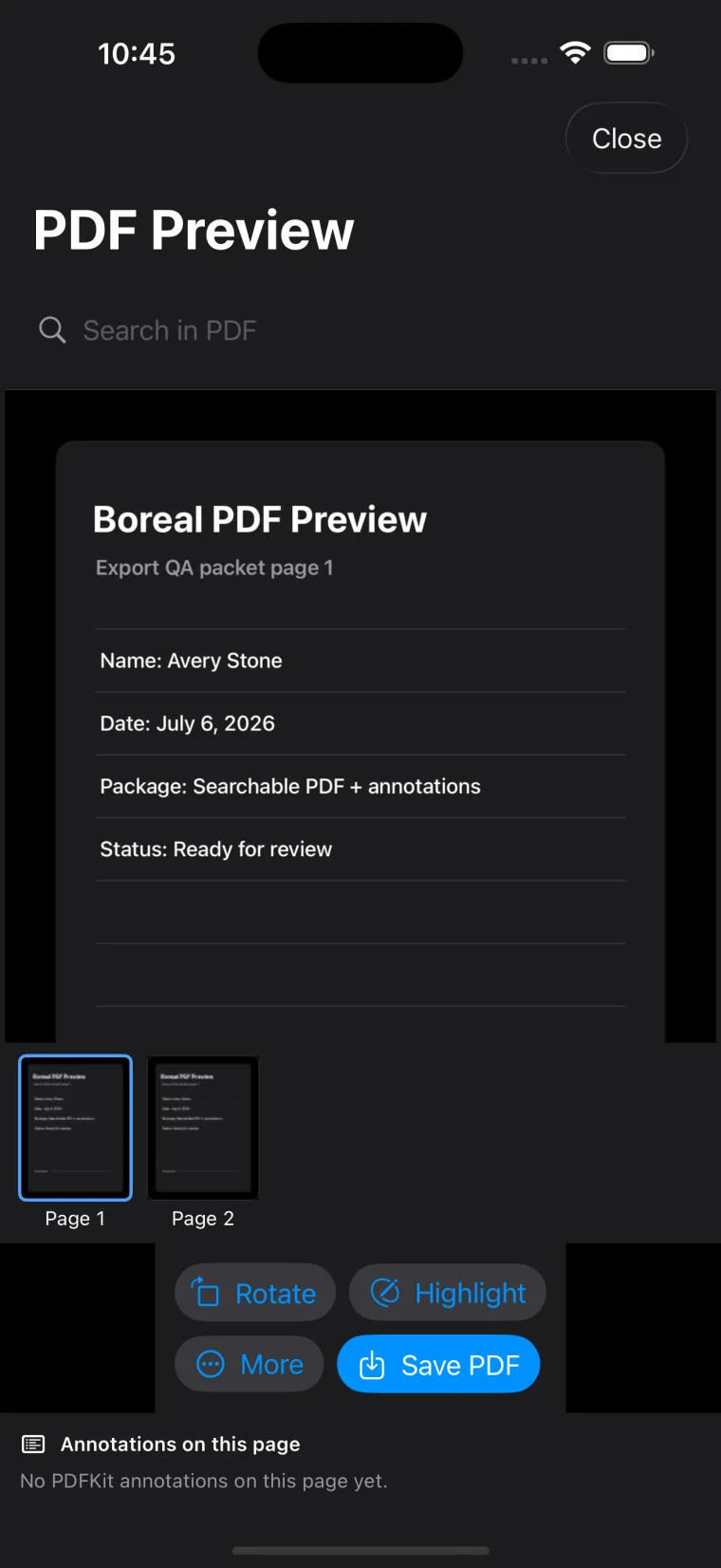
Learn how to scan clearly, run OCR in Boreal PDF, verify searchable text, and export a readable PDF from forms, receipts, certificates, or invoices.
Use Boreal PDF on iPhone to add dates, signatures, and stamp-style marks, review every page, and export a clean PDF without printing the document again.
Ready when the paperwork is
Boreal PDF keeps scanning, form marks, OCR, compression, preview, and export in one focused workflow.